
Production overview
Review delivery risks, resource status, material readiness, and near-term orders. Open a related order, resource, or issue directly from the overview.
Delivery focus · Material readiness · Resource statusPRODUCT / CAPABILITIES
From constraint inputs to execution feedback, turn complex planning into decisions you can understand, compare, and trace.
01 / YOGU APS
Bring resources, operations, shifts, and materials into one solving snapshot.
Illustrative shift · 08:00–16:00
Interactive scheduling illustration
THE ACTUAL WORKSPACE
Explore the actual APS interface, from production overview to orders, scheduling, and review.
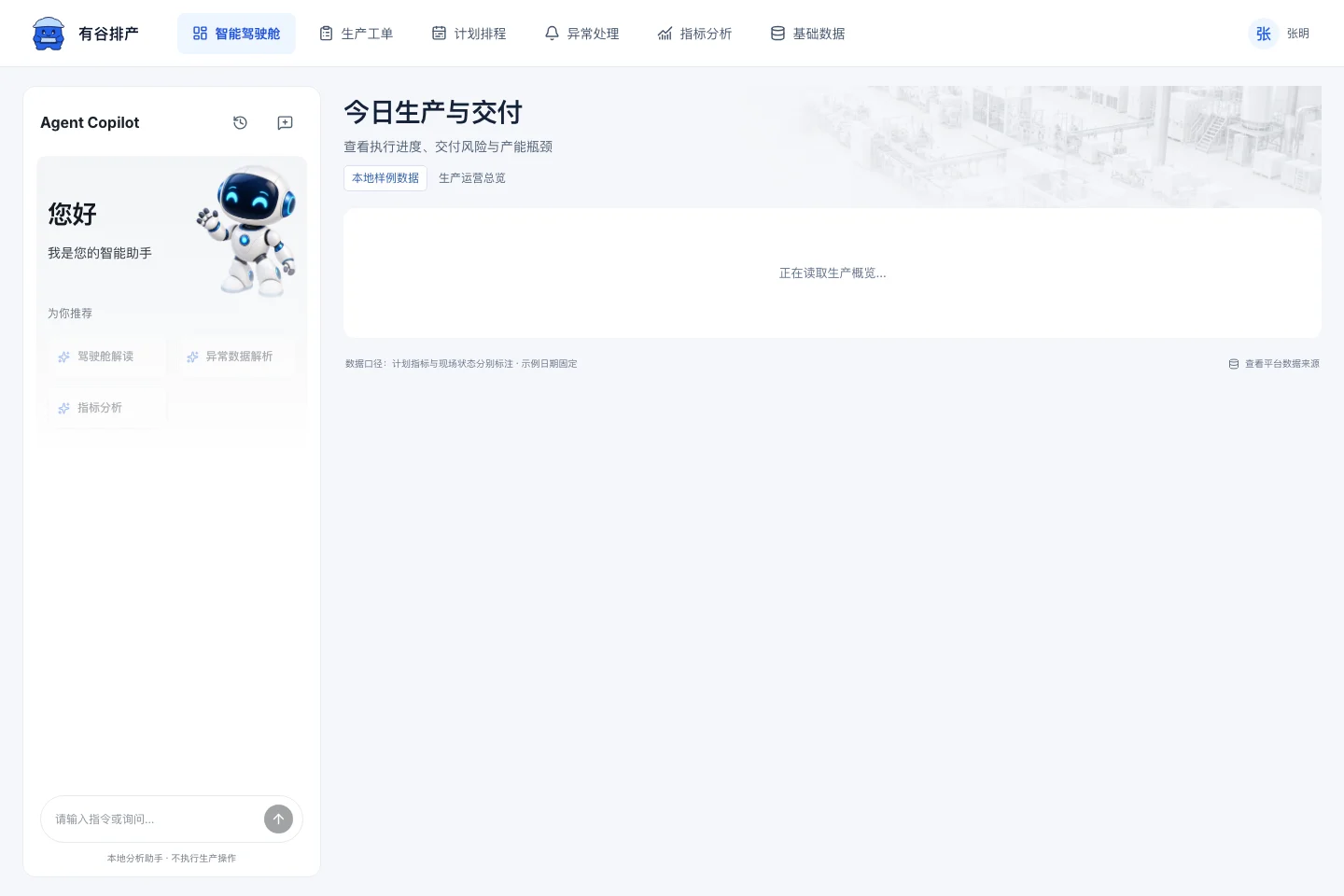
Actual product interface · Example data
SIX CONNECTED WORK AREAS
Review delivery risks, resource status, material readiness, and near-term orders. Open a related order, resource, or issue directly from the overview.
Delivery focus · Material readiness · Resource statusFilter and sort by customer, priority, status, and dates. Save views, batch-edit priorities and delivery dates, and check BOM, routing, and material readiness.
Saved views · Batch changes · Readiness reviewWork with automatic scheduling, resource Gantt views, draft adjustments, freezes, candidate comparison, policies, and snapshots. Review conflicts before saving changes.
Gantt views · Candidate comparison · Plan versionsFollow shortages, delivery risks, resource conflicts, and equipment issues with owners, evidence, processing history, and review.
Owners · Evidence · Processing historySwitch between current plans, execution versions, and release snapshots. Drill into orders and resource loads and export load data for review.
Version review · Order drill-down · Load exportMaintain products, materials, multi-level BOMs, routing, equipment, and calendars. Review relationships and source versions before putting data into planning.
Products & materials · BOM & routing · Resources & calendarsPRODUCTION FEEDBACK
Track starts, remaining processing time, completion, and reversals. Preserve actual resources and batch identity in the next plan.
Record receipts, adjustments, issues, returns, and supplemental issues. Review available and quality-held quantities with traceable records.
Record equipment downtime, assess work in progress, and approve continuation or termination with reasons and material disposition.
Built around the planner’s work
Model operation dependencies, alternative and auxiliary resources, shared inventory, arrivals, calendars, and changeovers. Inputs form a snapshot; each candidate stays linked to its basis.
Locate tasks on the Gantt view and review conflicts and available windows. Compare the effects on orders, delivery dates, and resources before adopting a candidate.
Adopt a candidate into a planning draft. Review changes before release, keep each execution version traceable, and bring starts, completions, and remaining processing time into the next plan.
Use a representative product and set of orders to review routing, batch organization, material rules, and execution feedback. Align the solution with your production process and existing systems, with explicit acceptance criteria for every phase.
Explore the integration pathYOUR NEXT PLAN
Start with one line, one product, and the constraints that matter.